Geomagic Design X: Hassle-Free Reverse Engineering
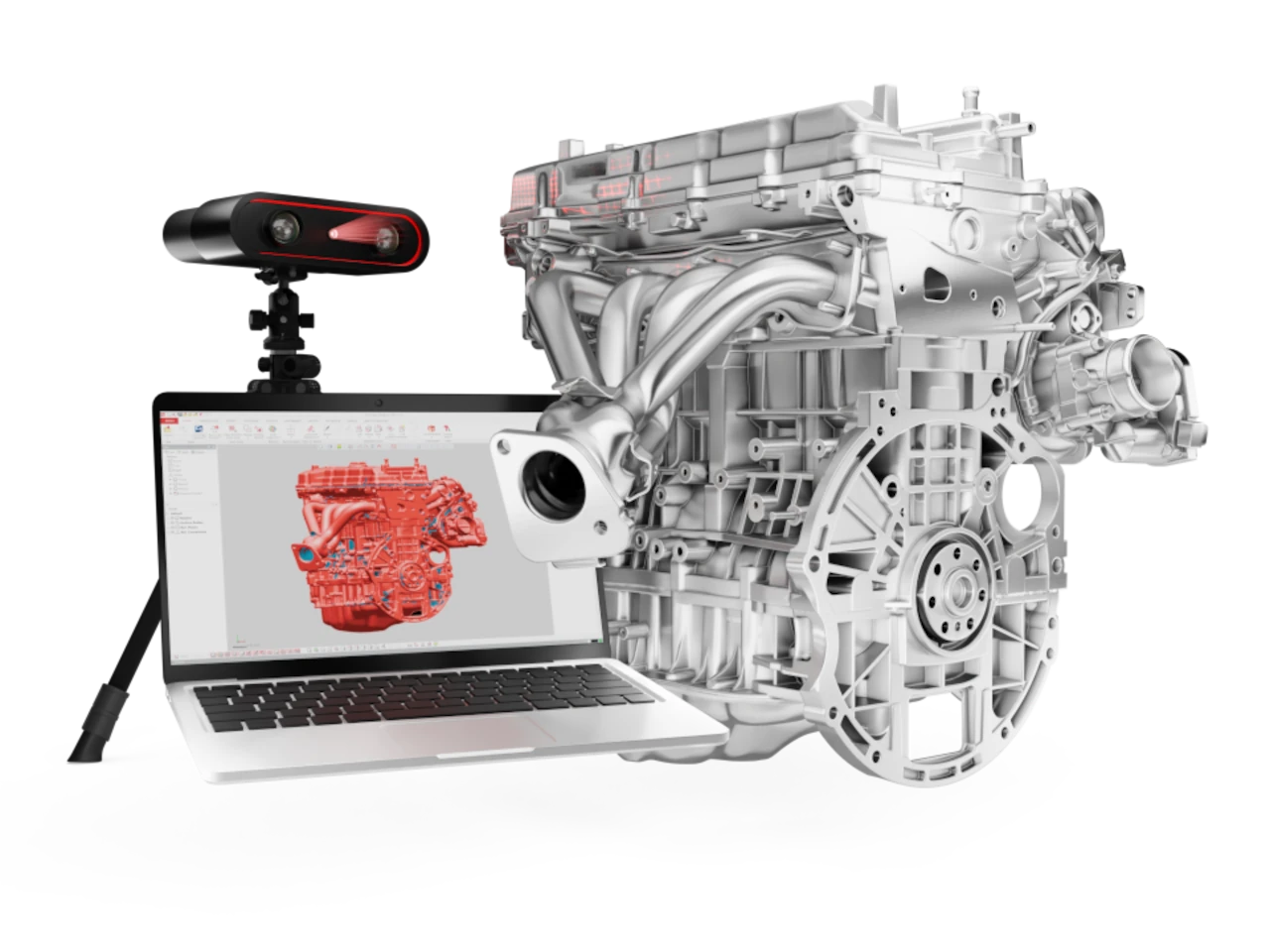
In the world of design and manufacturing, every minute counts. Geomagic Design X is a tool created for those who need to convert physical parts into precise CAD models, without wasting time on endless manual processes. It is the most complete reverse engineering software in its category: it combines the power of parametric CAD modeling with advanced processing of 3D scan data, allowing you to go from physical object to digital model in a matter of hours.
Geomagic Design X

Scan, Repair, and Rebuild. All in One Environment
Geomagic Design X allows you to work directly with 3D scan files from virtually any device on the market. You can import data captured with scanners from brands like FARO, Hexagon, Scantech, or Artec 3D, or connect the equipment directly to the software for real-time capture and processing.
Once the data is imported, the system handles cleaning the point cloud, repairing the mesh, and generating precise surfaces. If you have ever tried to recreate a complex part by measuring by hand, you know the time it can take. With Design X, that work is reduced to minutes.
Design Faster and with Greater Precision
The software is designed to integrate seamlessly with the main CAD programs on the market. Thanks to LiveTransfer technology, you can send your model directly to SOLIDWORKS, Siemens NX, Solid Edge, Autodesk Inventor, or PTC Creo, preserving all design history and parametric features.
For example, if you are working on redesigning a plastic housing, you can scan the original part, generate the 3D model in Design X, and transfer it to SOLIDWORKS to modify thicknesses, add reinforcements, or perform structural simulations. The entire process can be completed in a single workday.
Reduce Development Time and Costs
Companies using Geomagic Design X typically report reductions of between 40% and 70% in product development times. This translates into fewer iterations, less material waste, and a faster transition from prototype to production.
Imagine having to manufacture a spare part for an old machine whose blueprint has been lost. With a 3D scanner and Geomagic Design X, you can reconstruct the component with complete fidelity and have its CAD version ready for 3D printing or CNC machining in a matter of hours.
Design What Was Previously Impossible
There are cases where conventional measurements simply don’t work. Think of a medical implant that must fit the patient’s body perfectly, or a handcrafted part with organic geometries. With Geomagic Design X, you can capture those complex shapes and transform them into exact CAD models, without the need to draw them from scratch.
This has made the software a key tool not only for the automotive and aerospace industries but also for sectors such as dentistry, jewelry, orthopedics, and heritage conservation.
Work with Confidence from Day One
The Design X interface is very similar to that of any traditional CAD software, so it does not require a steep learning curve. If you have already worked with tools like SolidWorks or Inventor, you will be able to adapt quickly.
Furthermore, the system includes automatic precision analysis tools that compare the reconstructed model with the original scan, ensuring that every detail matches reality.
Features that Make the Difference
- Direct integration with most 3D scanners on the market.
- Smooth processing of large datasets (meshes of millions of points).
- Automatic tools for mesh repair, smoothing, and wrapping.
- Creation of exact surfaces and solids from organic geometries.
- Export in more than 60 CAD and polygon formats (STL, STEP, IGES, OBJ, among others).
- Real-time precision analysis to ensure accurate results.
Available Plans
Geomagic Design X Go
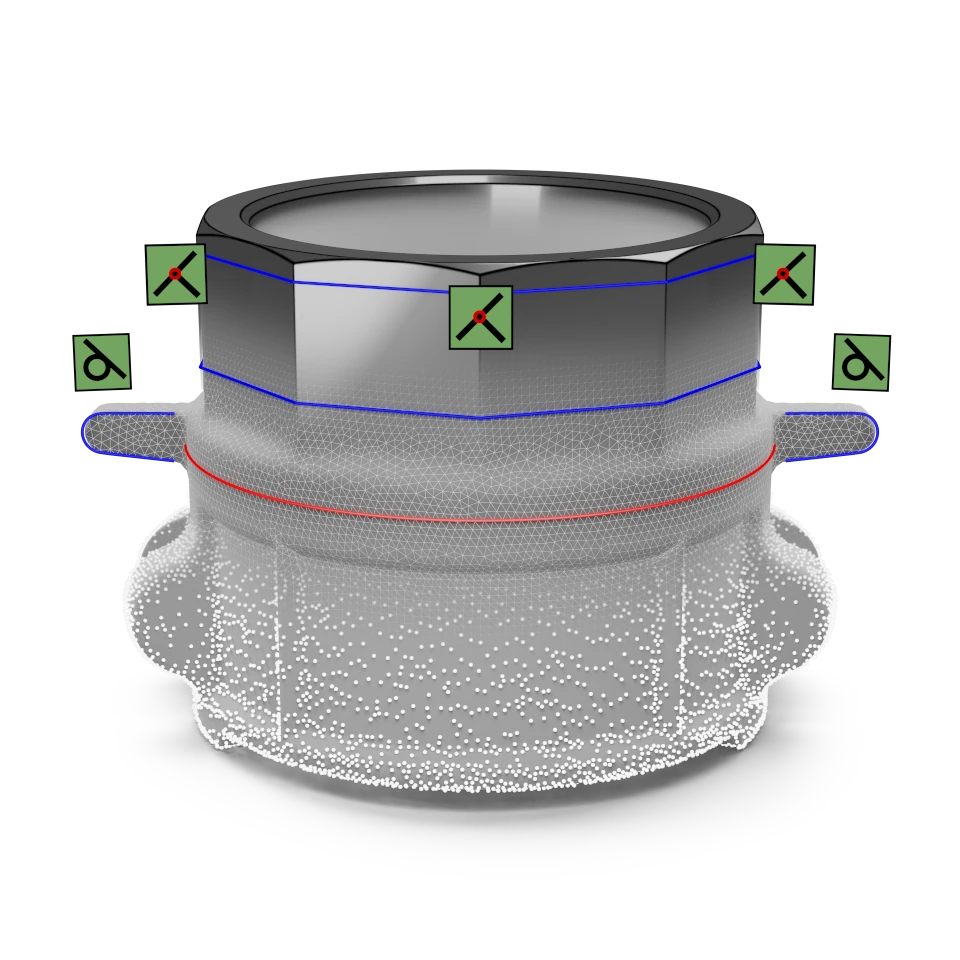
Designed for those starting in the world of reverse engineering. It allows you to edit meshes, work with point clouds from any scanner, and export parametric models with LiveTransfer.
Geomagic Design X Plus
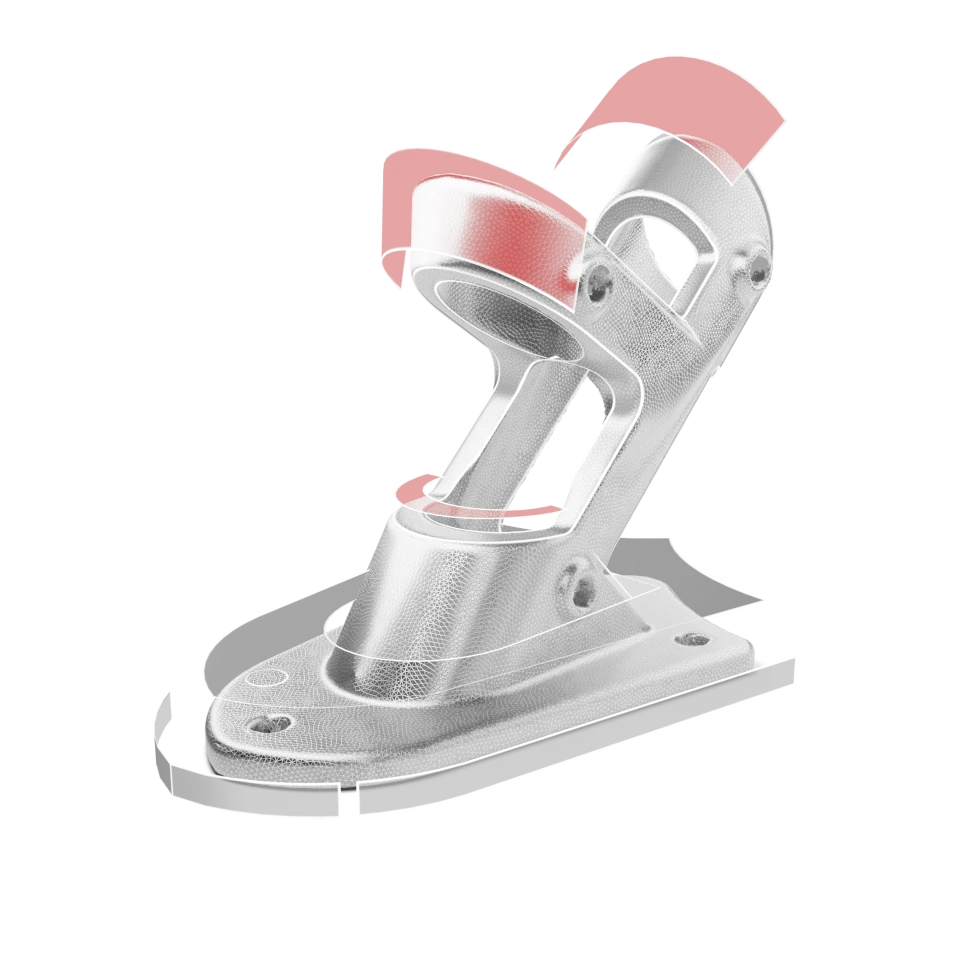
Includes all the features of the Go plan, with more advanced tools for complex parts and direct integration with high-end scanners like FARO or Hexagon.
Geomagic Design X Pro
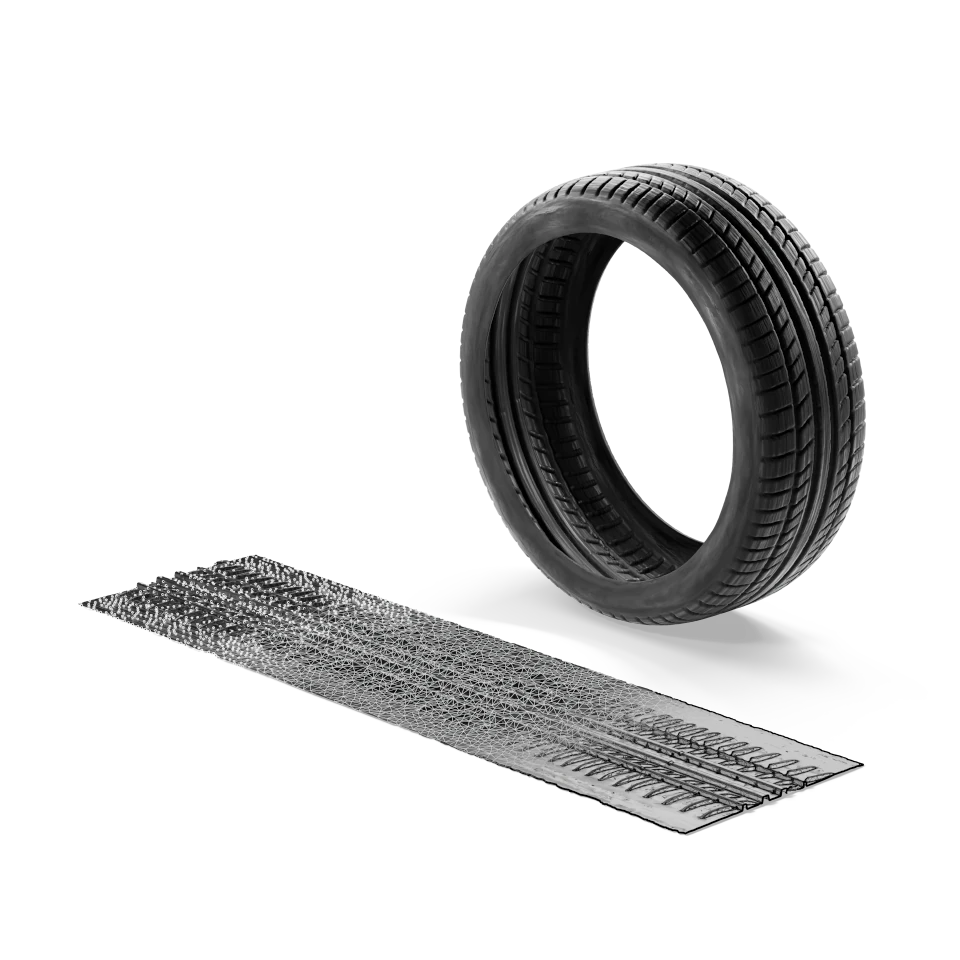
The most complete version of the software. It allows working with automated modeling assistants, advanced alignment, deep mesh repair, and industrial precision surfacing tools. Ideal for professional, corporate, or academic use.
Geomagic Design X Options Comparison
| Feature | Geomagic Design X Go | Geomagic Design X Plus | Geomagic Design X Pro |
| Scanner Device Compatibility | ✓ | ✓ | ✓ |
| 3D Point Clouds | ✓ | ✓ | ✓ |
| Scanner Points and Joints | ✓ | ✓ | ✓ |
| Import/Scan | |||
| Import and Export of Standard Meshes, Including STL, OBJ, PLY, VRML, etc. | ✓ | ✓ | ✓ |
| Import/Export Native CAD Formats | ✗ | ✓ | ✓ |
| Navigate | |||
| Basic Selection Tools | ✓ | ✓ | ✓ |
| Advanced Selection Tools | ✗ | ✓ | ✓ |
| Scan Editing and Repair | |||
| Mesh Editing and Repair | ✓ | ✓ | ✓ |
| Advanced Meshes and Mesh Editing | ✗ | ✓ | ✓ |
| Point Cloud Repair | ✓ | ✓ | ✓ |
| Advanced Mesh Editing and Assistants | ✗ | ✓ | ✓ |
| Advanced Point Cloud Editing | ✗ | ✓ | ✓ |
| Wrap/Unwrap Space | ✗ | ✓ | ✓ |
| Texturing | ✗ | ✓ | ✓ |
| Alignment | |||
| Manual Alignment | ✓ | ✓ | ✓ |
| Automatic Alignment Based on Auto-Overlap, Global Alignment, and Fixes | ✗ | ✓ | ✓ |
| Advanced Alignment Tools and Assistant | ✗ | ✓ | ✓ |
| Regions | |||
| Manual Region Creation and Editing | ✓ | ✓ | ✓ |
| Automatic Regions | ✗ | ✓ | ✓ |
| Solid and Surface Modeling | |||
| Reference Geometry | ✓ | ✓ | ✓ |
| 2D Mesh Sketch | ✓ | ✓ | ✓ |
| 2D Drawing | ✓ | ✓ | ✓ |
| Basic Solid and Surface Modeling | ✓ | ✓ | ✓ |
| Dynamic 3D Sketch | ✗ | ✓ | ✓ |
| Primitive Solid and Surface Assistants | ✗ | ✓ | ✓ |
| Advanced Solid and Surface Modeling and Editing | ✗ | ✗ | ✓ |
| 3D Mesh Sketch | ✗ | ✗ | ✓ |
| 3D Curves and Direct Editing Tools | ✗ | ✗ | ✓ |
| Advanced 2D Drawing Tools | ✗ | ✗ | ✓ |
| Advanced Modeling and Editing | ✗ | ✗ | ✓ |
| Auto Sketch | ✗ | ✗ | ✓ |
| Modeling Assistants | ✗ | ✗ | ✓ |
| CAD Correct | ✗ | ✗ | ✓ |
| Analysis | |||
| Mesh Fitting, Automatic Surfacing without Surface Selection | ✗ | ✓ | ✓ |
| Advanced Surfacing Tools, Selective Surface Automatic Surfacing | ✗ | ✗ | ✓ |
| Exact Surfaces | ✗ | ✗ | ✓ |
| Model Accuracy Check | ✓ | ✓ | ✓ |
| Deviation Analysis | ✗ | ✓ | ✓ |
| Detailed Accuracy Analyzer | ✗ | ✗ | ✓ |
| Live Transfer and CAD Read | |||
| Live Transfer to SolidWorks, NX, Creo, Inventor, History | ✗ | ✗ | ✓ |
| Automation | |||
| Batch Process | ✗ | ✗ | ✓ |
| Scripting | ✗ | ✗ | ✓ |
| Support | |||
| Email Support | ✓ | ✓ | ✓ |
| Installation and Licensing Support | ✓ | ✓ | ✓ |
| Access to Knowledge Base | ✓ | ✓ | ✓ |
| Case Response in 24–48h | ✓ | ✓ | ✓ |
| Case Response in 2 Business Days | ✗ | ✗ | ✗ |
| Remote Session Support | ✗ | ✓ | ✓ |
| Phone Support | ✗ | ✓ | ✓ |
| Updates and Service Work (Only with Valid Maintenance) | ✗ | ✓ | ✓ |
Technical Requirements
For optimal performance, it is recommended to work with a computer that has at least a 2.0 GHz Intel or AMD processor, 16 GB of RAM, 30 GB of free disk space, and a graphics card with OpenGL 3.0 support or higher with 4 GB of dedicated memory.
Geomagic Design X is available in more than ten languages, including Spanish.” “
Connect Your Scanner. Create. Design.
Discover a new level of design and streamline your process with Geomagic Design X. Take advantage of reverse engineering and bring your ideas from scanner to reality! Ready to transform your design? Contact us for more details!
If you are looking to reduce time, improve the precision of your designs, and leverage the potential of 3D scanning, Geomagic Design X is the tool you need.
You can contact our team via WhatsApp at +57 300 619 8934 to inquire about pricing and licenses.
Frequently Asked Questions
How much does a license cost?
Licenses start at around $1,900. Subscription options, perpetual licenses, and educational programs are available.
Can I try the software before buying it?
Yes. You can request a personalized demo to learn about the tools and test its integration with your current workflow.
What types of industries use it?
From auto parts manufacturers and industrial design studios to dental clinics, universities, and 3D printing companies. Any environment where physical parts need to be digitized and redesigned can benefit from Design X.”
Use 3D tools for 3D tasks

Capture physical objects in 3D directly in Freeform with the Geomagic® Capture™ 3D scanner, the most powerful and integrated industrial 3D scanner and software. Bring the real world into the digital one and make use of existing shapes and your own creations. Add complex design elements and create creative models with scanned components.